






Base manual
One booking engine, six verticals: how it works, how it's configured, how a booking travels from start to finish.
What is OLObooking
OLObooking is the suite's booking engine: a single plugin that, with a single configuration, becomes whichever vertical you need — rooms, tables, appointments, tickets, rentals or property viewings.
The difference versus the market: others sell a plugin per trade, each with its own interface and its own data. Here the core is one; change vertical and the fields, calendars and flows change, the data stays.
The engine
At the base there are three concepts, the same for every vertical:
- Resource: the thing being booked — a room, a table, a staff member, a seat, a vehicle, a property.
- Availability: the resource's calendar and slots — nights, shifts, time slots, event dates.
- Rules: constraints and prices — minimum stay, capacity, seasonal rates, deposits, security deposits.
The chosen vertical pre-configures these three levels with the fields and terms of the trade. Everything lives on your own hosting: no platform in the middle, no commission per booking.
The six verticals
- Accommodation — B&Bs, farm stays, holiday homes, room calendar, seasonal rates, minimum stays, check-in/out.
- Restaurants — Tables, shifts and menus, with anti no-show deposit on at-risk bookings.
- Appointments — Practices, consulting, beauty, time slots per staff member, reminders, staff management.
- Events — Conferences, concerts, workshops, ticketing, numbered seats, QR access.
- Rentals — Cars, bikes, equipment, boats, inventory, security deposits, contracts.
- Real estate — Property viewings by slot, agencies, offer collection.
The flow, from start to finish
- 1 · Request: the visitor picks resource and date from the booking tiles on the site.
- 2 · Check: the engine checks availability and rules in real time.
- 3 · Guarantee: where set, a deposit or security deposit locks in the serious booking.
- 4 · Confirmation: notification to customer and manager; the resource comes off the calendar.
- 5 · Reminder: automatic communications close to the date.
- 6 · Arrival: check-in; for events, QR access.
Anti no-show — The deposit turns the booking from a promise into a commitment: whoever doesn't show up leaves something on the table, and the full night stays full.
In the suite
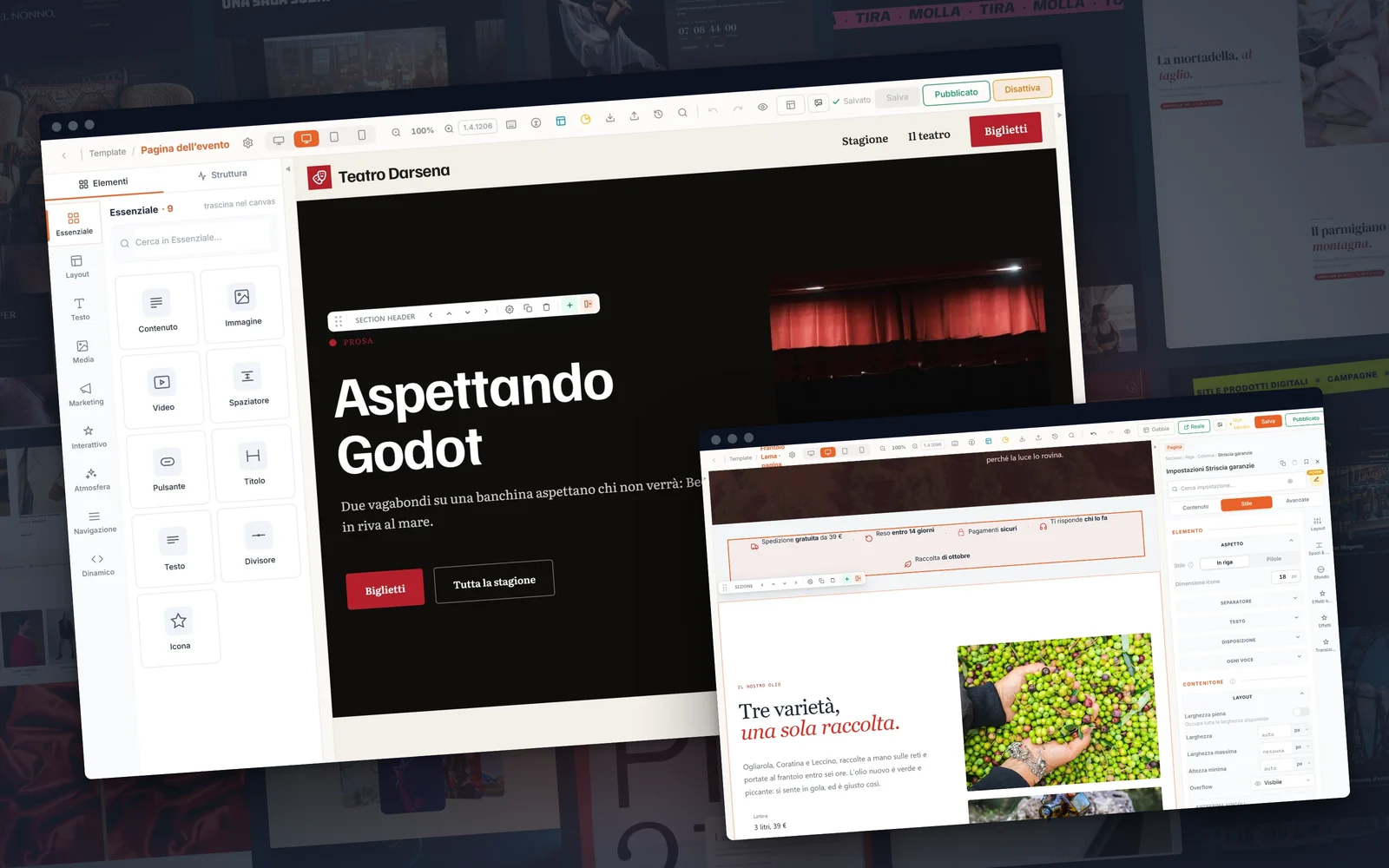
- OLObuild: 22 booking tiles ready to go in the builder: availability calendar, picker, time slots, reception. Site and engine speak the same language.
- OLOlang: booking flows translated into 28 languages for international guests.
- OLOtour: the 360° tour ends where it should: on the “book” button.
Spec sheet
- Type
- Multi-vertical WordPress booking plugin
- Requirements
- WordPress 5.9+ · PHP 7.4+
- Verticals
- 6, accommodation, restaurants, appointments, events, rentals, real estate (one configuration)
- Data model
- Resources · availability · rules, shared across verticals
- Guarantees
- Anti no-show deposit, security deposits on rentals
- Event access
- Tickets with QR code, numbered seats
- Notifications
- Automatic confirmations and reminders to customer and manager
- Frontend
- 22 dedicated tiles in OLObuild's Booking family
- Commissions
- Zero, direct channel on your own hosting
- Multilingual
- Flows translatable into 28 languages via OLOlang
- License
- GPL, data and bookings stay on your own server